

Since March 2024, Google requires Consent Mode v2 for all advertisers targeting the European Economic Area. Accounts that have not updated their configuration are progressively losing access to remarketing and audience measurement features. According to Google, advertisers using Consent Mode recover an average of 65% of conversions that would otherwise be lost. That number frames the issue: without Consent Mode v2, your Google Ads campaigns operate blind on a growing portion of your traffic.
This article details how Consent Mode v2 works, its concrete impact on advertising performance and the steps to implement it correctly.
Consent Mode v2: what changed from the previous version
Consent Mode is a mechanism developed by Google that adjusts the behaviour of tags (GA4, Google Ads, Floodlight) based on the user's consent choice. The first version managed two signals: ad_storage (advertising cookies) and analytics_storage (analytics cookies). Version 2 adds two additional signals: ad_user_data and ad_personalization.
The ad_user_data signal controls whether user data can be sent to Google for advertising purposes. The ad_personalization signal determines whether collected data can be used for remarketing and ad personalisation. These two parameters respond directly to the requirements of the European Digital Markets Act (DMA), which came into force in March 2024.
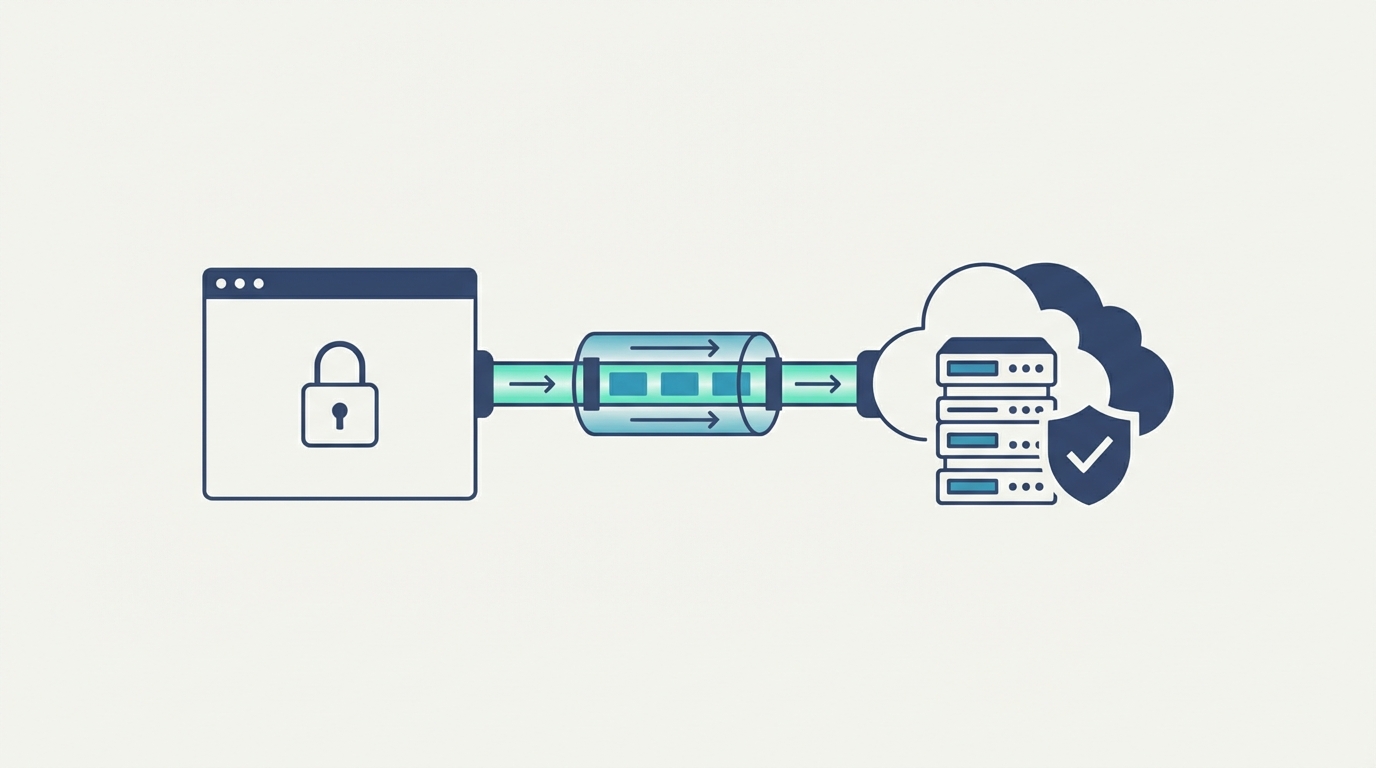
When a visitor refuses consent, Consent Mode v2 does not completely block communication with Google's servers. It sends anonymised "pings" stripped of personal identifiers, transmitting contextual information: timestamp, page URL and browser user agent. This data feeds Google's machine learning models to estimate the behaviour of non-consenting users.
The distinction between "basic" and "advanced" mode is decisive. Basic mode completely blocks Google tags until consent is granted. No data is transmitted, no modelling is possible. Advanced mode sends anonymised pings even when consent is refused, which activates conversion modelling. To benefit from Consent Mode v2, advanced mode is essential.
How conversion modelling works
Conversion modelling is the centrepiece of Consent Mode v2 for Google Ads advertisers. Its functioning rests on a statistical principle: extrapolating the behaviour of non-consenting users from that of consenting users.
Google uses data from visitors who accepted cookies to build a predictive model. This model analyses correlations between browsing behaviour and conversion probability. It then applies these patterns to the anonymised pings from non-consenting visitors to estimate the number of missed conversions.
Take a practical example. Out of 1,000 visitors to your site, 600 accept cookies and 400 refuse. Among the 600 consenting visitors, your Google Ads tag measures 30 conversions (a rate of 5%). Without modelling, you know nothing about the other 400. Consent Mode v2 estimates, based on the anonymised pings and the predictive model, that approximately 18 of those 400 visitors also converted. Your reporting then shows 48 modelled conversions instead of 30.
This modelling is not fabricated data. Google published a 2023 internal study showing that the gap between modelled and actual conversions (measured by alternative methods) remains below 5% on accounts with sufficient data volume. The minimum threshold recommended by Google is 1,000 clicks and 100 conversions over a 7-day period for the model to achieve satisfactory reliability.
The impact on ROAS and bidding strategies
ROAS (Return On Ad Spend) is the ratio between revenue generated and advertising budget spent. When conversion tracking loses data, the displayed ROAS collapses mechanically, even if actual sales remain stable. This disrupts campaign management.
Google Ads automated bidding strategies (Maximise Conversions, Target ROAS, Target CPA) depend directly on the volume and quality of conversion data. An account losing 30 to 45% of its conversions due to consent refusals feeds these algorithms with incomplete signals. The algorithm, believing certain keywords or audiences convert poorly, reduces bids on those segments. The campaign enters a downward spiral: less data, lower bids, less visibility, fewer measured conversions.
Consent Mode v2 breaks this cycle by restoring a more accurate picture of performance. According to an analysis by Simo Ahava (a recognised GA4 expert) published in 2024, accounts that activated advanced Consent Mode see a 15 to 25% increase in conversions reported in Google Ads. This increase is not artificial: it reflects conversions that were already happening but were no longer being measured.
For campaigns using automated bidding, this signal restoration changes the dynamic. The algorithm works with a more representative conversion volume, which stabilises bids and improves the system's predictive capacity. Advertisers who moved from basic to advanced Consent Mode observed a CPA reduction of 10 to 20% over a quarter, according to data shared by Google at Google Marketing Live 2024.
What you lose without Consent Mode v2
The consequences of missing Consent Mode v2 extend beyond data loss. Since March 2024, Google has restricted certain features for accounts non-compliant with the DMA.
Remarketing is the first casualty. Without the ad_user_data and ad_personalization signals properly configured, remarketing lists no longer populate for EEA users. Your custom audiences gradually empty. Display and Performance Max campaigns targeting previous visitors lose reach.
Audience measurement in GA4 degrades as well. Without Consent Mode, GA4 receives no data from non-consenting users. With advanced mode, GA4 activates its own behavioural modelling (blended, estimated indicators) that partially fills the statistical gap. The difference between a GA4 report with and without Consent Mode can reach 30 to 40% of total traffic on a European site.
Automated bidding suffers silently. The algorithm does not flag that it is working with incomplete data. It simply adjusts its predictions downward, resulting in more conservative bids and declining conversion volume. A business owner observing a gradual decline in Google Ads performance with no apparent cause should check their Consent Mode status as a first step.
Lost attribution data also complicates purchase journey analysis. Without tracking non-consenting users, Google Ads' attribution model undervalues certain touchpoints (first visit, intermediate visits) and overweights the last click.
Technical implementation: key steps
Implementing Consent Mode v2 involves three components: your CMP (consent management platform), Google Tag Manager and Google tags (GA4, Google Ads).
Step one is verifying that your CMP supports Consent Mode v2. Cookiebot, Axeptio, OneTrust, Didomi and most market CMPs now offer this compatibility. Your CMP must transmit the four signals: ad_storage, analytics_storage, ad_user_data and ad_personalization. If your current CMP does not handle these four parameters, an update or a switch is necessary.
Step two takes place in Google Tag Manager. Access the container settings, then the "Consent Settings" tab. Enable the consent shield and configure default values to "denied" for all four signals. This configuration ensures no cookie is placed before the user's choice.
Each tag must then be associated with the correct consent parameters. The GA4 tag requires analytics_storage. The Google Ads conversion tag needs ad_storage and ad_user_data. The Google Ads remarketing tag requires ad_storage, ad_user_data and ad_personalization. These associations are configured in the "Additional consent settings" of each tag.
Step three is verification. Open GTM Preview mode, load your site and observe the event sequence. The CMP tag must fire first (Consent Initialization trigger). Before any banner interaction, consent values must show "denied." After acceptance, they switch to "granted." After refusal, they remain on "denied" but anonymised pings should still fire if advanced mode is active.
A complementary test in Google Ads: navigate to Tools > Consent Mode Diagnostics. This tool verifies that signals are correctly received and identifies configuration issues. Resolve all warnings before considering the implementation complete.
Consent Mode and GDPR compliance: where the line sits
Consent Mode v2 raises legitimate compliance questions. Sending anonymised pings even after consent refusal is worth examining. Google states that these pings contain no personal identifiers and do not allow tracking of individual users. The CNIL has not yet published a specific position on Consent Mode, but the authority has reiterated that any data processing, even anonymised, must respect the minimisation principle.
The pragmatic position adopted by most DPOs and specialist lawyers is as follows: advanced Consent Mode is acceptable when combined with a compliant cookie banner. The banner must offer a genuine choice (accept/refuse with equal ease), cookies must not be placed before consent, and Consent Mode's anonymised pings must not be treated as cookies under the ePrivacy directive.
For businesses in the Geneva basin serving Swiss clients, dual GDPR/FADP compliance adds another layer. The FADP (Swiss Federal Act on Data Protection) imposes requirements similar to the GDPR but with nuances around consent. Consent Mode configuration must account for visitor geolocation to apply the appropriate rules.
The guidance is clear: activate Consent Mode v2 in advanced mode, but ensure your CMP implementation is watertight. Banner compliance conditions the legality of Consent Mode. A perfectly configured Consent Mode on a non-compliant banner remains problematic.
Action plan for Google Ads advertisers
Setting up Consent Mode v2 follows a logical sequence. Start with an audit of your current situation. Check in Google Ads > Tools > Diagnostics whether Consent Mode is detected. Verify in GTM that all four signals are configured. Test your CMP's behaviour on desktop and mobile.
If your Consent Mode is not active, priority goes to the technical implementation described above. Allow one to two weeks between starting implementation and final validation, to test all scenarios (acceptance, refusal, consent withdrawal).
Once Consent Mode v2 is active in advanced mode, allow two to four weeks for Google Ads algorithms to integrate the modelled data. Automated bidding strategies need this period to recalibrate their models. During this phase, avoid modifying your target CPA or target ROAS objectives.
After this stabilisation phase, compare your metrics with the previous period. The number of reported conversions should increase, reflecting previously invisible conversions. Apparent CPA may drop mechanically. Adjust your objectives accordingly: a target CPA of EUR 25 calculated on partial data might become a target CPA of EUR 20 with complete data, for an identical real outcome.
Train your team or your agency on reading reports that include modelled data. Google Ads distinguishes between observed conversions and modelled conversions in certain reports. Understanding this distinction prevents interpretation errors and poor budget allocation decisions.
Frequently asked questions
Is Consent Mode v2 mandatory for Google Ads?
Since March 2024, Consent Mode v2 is required for advertisers targeting the EEA. Without this configuration, remarketing and audience measurement features are progressively restricted. The obligation stems from the European Digital Markets Act, which Google must comply with as a designated "gatekeeper."
What is the difference between basic and advanced Consent Mode?
Basic mode completely blocks Google tags until the user consents. No data is transmitted, no modelling is possible. Advanced mode sends anonymised pings even when consent is refused, allowing Google to model missed conversions. Advanced mode is recommended to maintain the quality of your advertising data.
Is conversion modelling reliable?
Google reports a gap of less than 5% between modelled and actual conversions on accounts with sufficient data volume (1,000 clicks and 100 conversions per week minimum). Reliability decreases on smaller volumes. Modelling remains a statistical estimate, not an exact measurement, but it is far more precise than a total absence of data.
How long until Consent Mode v2 impacts my campaigns?
Allow two to four weeks after activating advanced mode for bidding algorithms to integrate the modelled data. The impact on reporting is visible within the first few days (increase in reported conversions). The impact on actual performance (CPA, ROAS) stabilises after one month.
Does Consent Mode v2 work with all CMPs?
Most market CMPs (Cookiebot, Axeptio, OneTrust, Didomi, Complianz) support Consent Mode v2. Verify that your CMP transmits the four required signals (ad_storage, analytics_storage, ad_user_data, ad_personalization) and that an official GTM template is available. A non-compatible CMP requires replacement or custom integration.