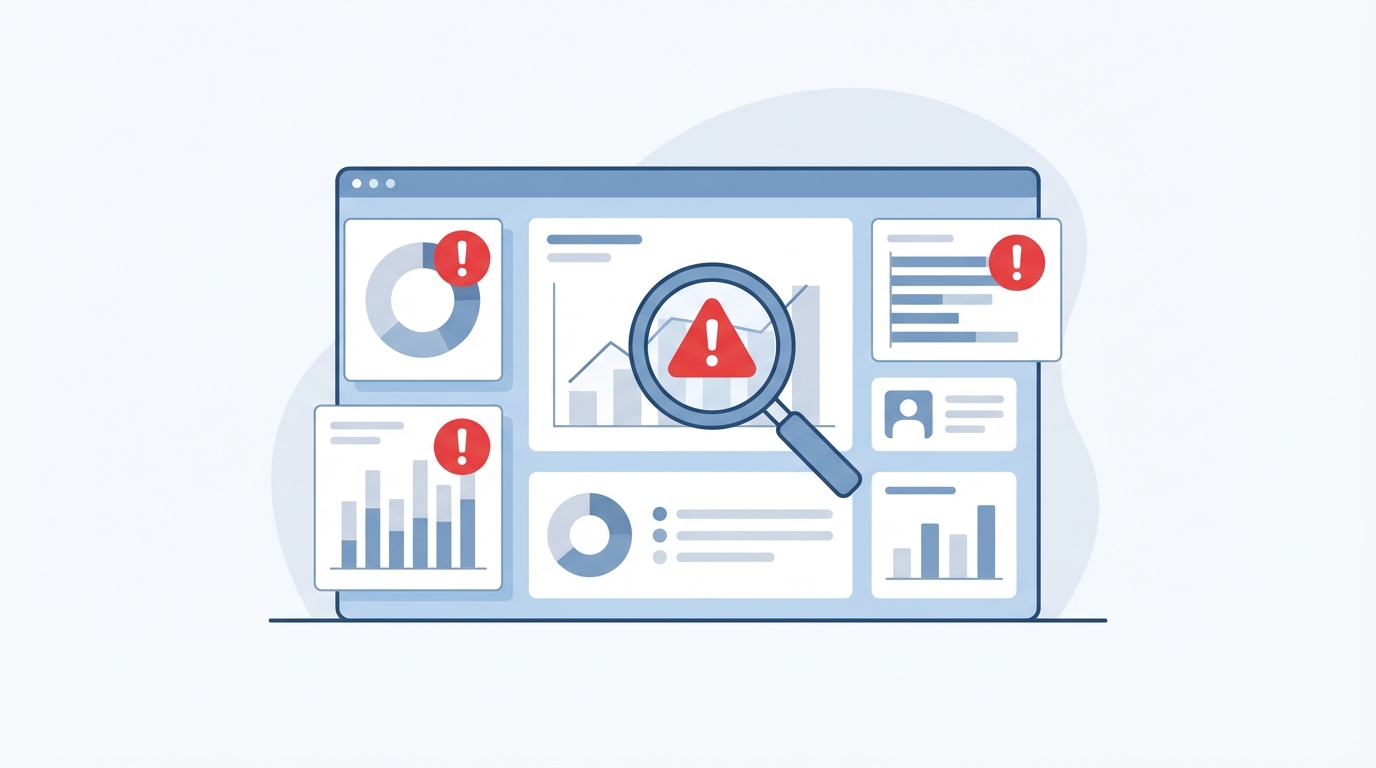

Your analytics reports show growing gaps with reality. Ad blockers, browser restrictions and cookie regulations chip away at data reliability month after month. Server-side tracking vs client-side is not an academic debate: it is an operational question that directly affects the quality of your marketing decisions. According to a study by Simo Ahava / Stape.io (2023), server-side collection recovers on average 15 to 20% more data compared to client-side alone. That figure is enough to challenge the status quo.
How client-side tracking works
Client-side tracking (or browser-side tracking) relies on JavaScript snippets executed directly in the visitor's browser. When someone loads a page, the browser downloads and runs the tracking scripts. Each interaction (click, scroll, form submission) triggers an HTTP request to the servers of analytics or advertising platforms.
Google Tag Manager (GTM) orchestrates this process for the vast majority of websites. The GTM container loads tags for Google Analytics 4, Meta Pixel, LinkedIn Insight Tag and other third-party scripts. Each tag sends data from the visitor's browser to the destination server.
This model worked without major challenge for fifteen years. Its ease of installation remains a genuine advantage: one snippet to paste, a few settings in GTM, and data collection begins. For a brochure site with standard analytics needs, client-side still does the job.
But this architecture has a structural weakness. The browser is an environment you do not control. Apple, Google, Firefox and ad-block extensions set their own rules within it.
The limits of browser-side tracking in 2025
The degradation of client-side tracking has accelerated since 2020. Safari enforces ITP (Intelligent Tracking Prevention), which limits the lifespan of first-party cookies set by JavaScript to 7 days, or 24 hours in some cases. Firefox strengthens its Total Cookie Protection. Google Chrome, after several delays, is progressively rolling out Privacy Sandbox.
On the user side, the numbers speak clearly. According to PageFair/Blockthrough (2024 report), approximately 32% of European internet users run an ad blocker. These tools do more than hide banners: they also block requests to known tracking domains such as google-analytics.com or facebook.com.
The concrete result for an e-commerce site or a lead generation site: a significant portion of conversions is never recorded. Google Ads campaigns appear less profitable than they actually are, remarketing audiences shrink, and automated bidding algorithms work with partial data.
Another often-overlooked issue concerns page speed. Each client-side tag adds HTTP requests from the browser. On a site running 15 to 20 tags, the cumulative weight and execution time impact Core Web Vitals, and therefore organic rankings.
Server-side tracking: principles and how it works
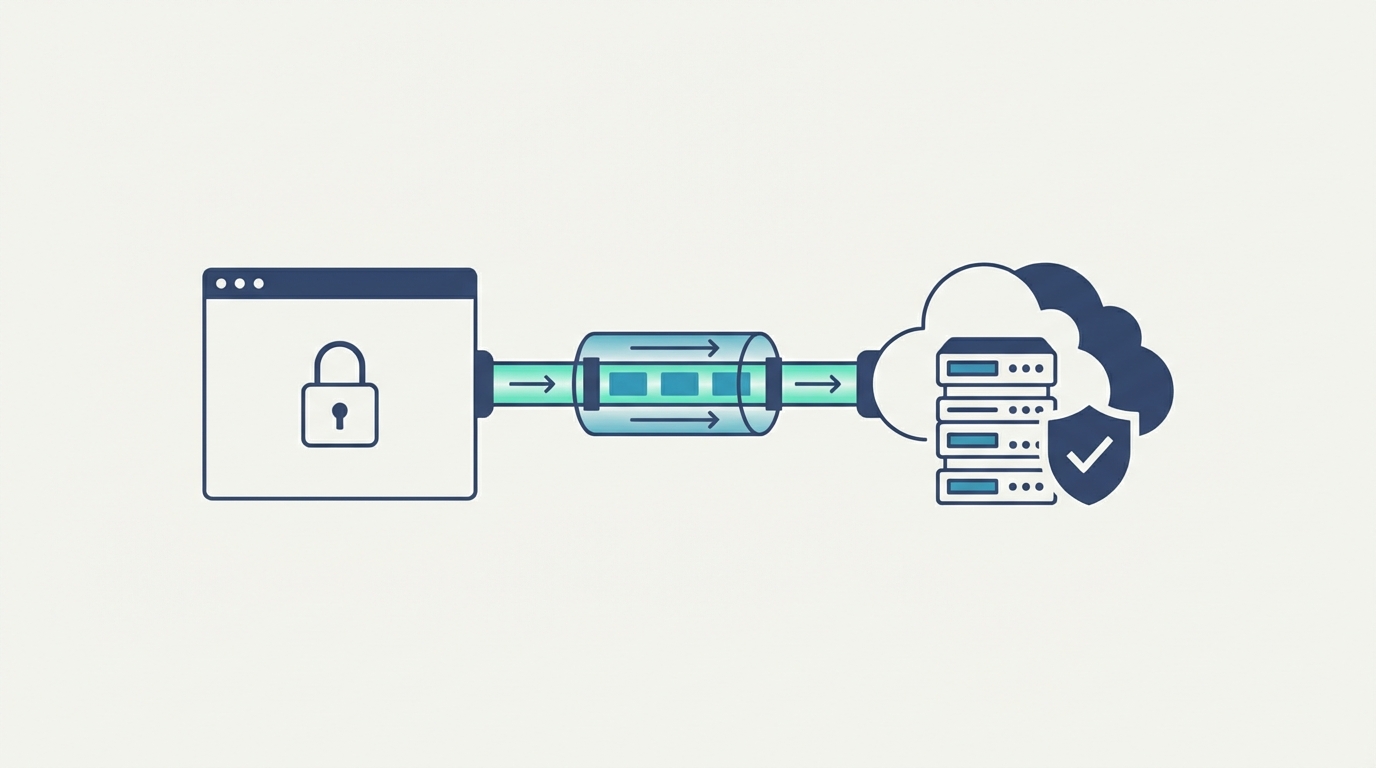
Server-side tracking moves data collection from the browser to an intermediary server you control. Instead of sending hits directly to Google Analytics, Meta or other platforms, the browser sends a single request to your own server (or a dedicated cloud instance). That server receives the data, processes it, then redistributes it to each destination platform.
In practical terms, with a solution like Stape.io (Alpative is an official partner), the flow breaks down as follows:
- The browser sends a hit to your subdomain (e.g. data.yoursite.com)
- The server-side GTM container receives this request on a Google Cloud or AWS server
- Server-side tags transform and forward the data to GA4, Google Ads, Meta CAPI, etc.
This architecture places data under your technical control. Requests originate from a first-party domain (your subdomain), which bypasses Safari's ITP restrictions. Ad blockers do not filter requests to your own domain. Cookies are set by the server, not by JavaScript, which extends their lifespan.
Concrete advantages of server-side for data quality
The reliability gains span several dimensions. Recovering blocked data is the most visible benefit. A site that migrates to server-side typically sees between 10 and 25% additional sessions in GA4, depending on sector and audience profile. For an e-commerce store with 50,000 monthly sessions, that represents 5,000 to 12,500 sessions now feeding reports and advertising audiences.
Regulatory compliance strengthens too. With server-side tracking, you control the data transmitted to third-party platforms. Before sending a hit to Meta or Google, the server can strip non-consented personal information, anonymise IP addresses or enrich the data with server-only parameters. This filtering capability simplifies GDPR compliance and consent management.
Site performance also improves. Instead of 15 scripts executing in the browser, a single call goes to your server. Less client-side JavaScript means a better LCP (Largest Contentful Paint) and a better INP (Interaction to Next Paint). Google factors these metrics into its ranking algorithm.
A final point often underestimated: durability. The server-side model does not depend on decisions made by Safari, Chrome or ad-blocker developers. You control the infrastructure. Browser changes have marginal impact on your data collection, because cookies are set via HTTP (server-side) rather than JavaScript (client-side).
Limitations and costs of server-side tracking
Server-side tracking is not without constraints. Infrastructure cost is the first item to plan for. A Stape.io container starts at around EUR 20 per month for small volumes, but a high-traffic site (500,000+ sessions/month) reaches EUR 100 to 300 monthly depending on configuration. This cost sits on top of site hosting.
Implementation complexity represents a barrier for teams without technical skills. Configuring a server-side GTM container requires understanding clients, server-side tags, request variables and data mapping. A Meta CAPI server-side tag does not configure the same way as a standard Pixel. The implementation phase takes between 2 and 5 days depending on how many platforms need connecting.
Debugging becomes more demanding too. In client-side, the Chrome GTM Preview extension suffices. In server-side, you need to monitor server logs, verify HTTP responses and ensure each platform receives the correct parameters. Silent errors (a tag sending malformed data without generating an alert) are harder to detect.
Dependency on a third-party provider also exists. Stape.io, Addingwell or Taggstar host your containers. A failure in their infrastructure affects your data collection. This risk remains low (SLAs exceed 99.9%), but it deserves mention in your continuity plan.
When to migrate to server-side: decision criteria
Migration to server-side is justified when the cost of lost data exceeds the cost of infrastructure. Several signals indicate the right moment.
A gap exceeding 15% between conversions reported by your CRM and those in GA4 is a strong signal. That discrepancy reflects browser-side data loss that distorts your analysis and budget decisions.
Automated bidding campaigns suffer particularly from data gaps. Google Ads and Meta Ads use conversion signals to optimise bids. Fewer reported conversions mean less effective algorithms, rising CPA and declining ROAS. If your media budget exceeds EUR 3,000 per month, the missed revenue from incomplete data likely justifies the server-side investment.
Sites with a significant Safari audience (over 30% of traffic, common in many European markets) have an immediate interest. Similarly, businesses subject to dual GDPR and Swiss FADP compliance (typical of the cross-border Geneva basin) gain control through server-side filtering.
For a brochure site with 5,000 monthly visits and no advertising campaigns, client-side remains sufficient. Server-side pays for itself from a certain traffic volume or advertising investment threshold.
The hybrid approach: a pragmatic solution
Most performant implementations combine both approaches. The client-side GTM container stays in place for tags requiring direct browser interaction (Hotjar, chatbots, A/B testing). The server-side container handles the critical analytics and advertising tags: GA4, Google Ads Conversion Tracking, Meta CAPI and remarketing tags.
This hybrid architecture avoids rebuilding everything. Migration happens tag by tag. Teams typically start with GA4 (the simplest tag to migrate server-side), then Google Ads, then Meta. Each step allows validating data quality before moving to the next tag.
Consent Mode configuration in this hybrid setup must be consistent across both containers. The consent signal captured client-side passes to the server, which applies it before distributing hits. This synchronisation ensures that Consent Mode v2 functions end to end.
Conclusion
The choice between server-side and client-side tracking depends on your context: traffic volume, advertising spend, regulatory requirements and technical resources. Client-side remains viable for simple use cases. Server-side becomes essential once data reliability impacts your budget decisions. The hybrid approach provides the pragmatism needed to migrate without disruption. In every case, an audit of your current configuration measures the gap between collected data and reality, and quantifies the potential gain from migration.
Frequently asked questions
Does server-side tracking completely replace client-side?
No, the two approaches coexist in the majority of implementations. Server-side handles critical analytics and advertising tags. Client-side remains useful for tools requiring direct browser interaction, such as heatmap solutions or chat widgets.
What budget should you plan for a server-side migration?
Container hosting costs range from EUR 20 to 300 per month depending on traffic. The implementation itself typically requires 2 to 5 days of work. Return on investment is measured by comparing infrastructure cost against the gain in recovered conversion data.
Does server-side tracking solve all ad blocker issues?
Server-side bypasses the majority of standard ad blockers because requests route through your own domain. Some advanced blockers (like uBlock Origin in strict mode) can still detect request patterns. The average gain remains significant, around 15 to 20% additional data depending on audience composition.
Do you need to change your CMP to go server-side?
Not necessarily. CMPs like Cookiebot and Axeptio are compatible with server-side tracking. The consent signal transmits from the browser to the server, which applies it before sending data to platforms. The CMP continues to manage consent collection on the client side.