

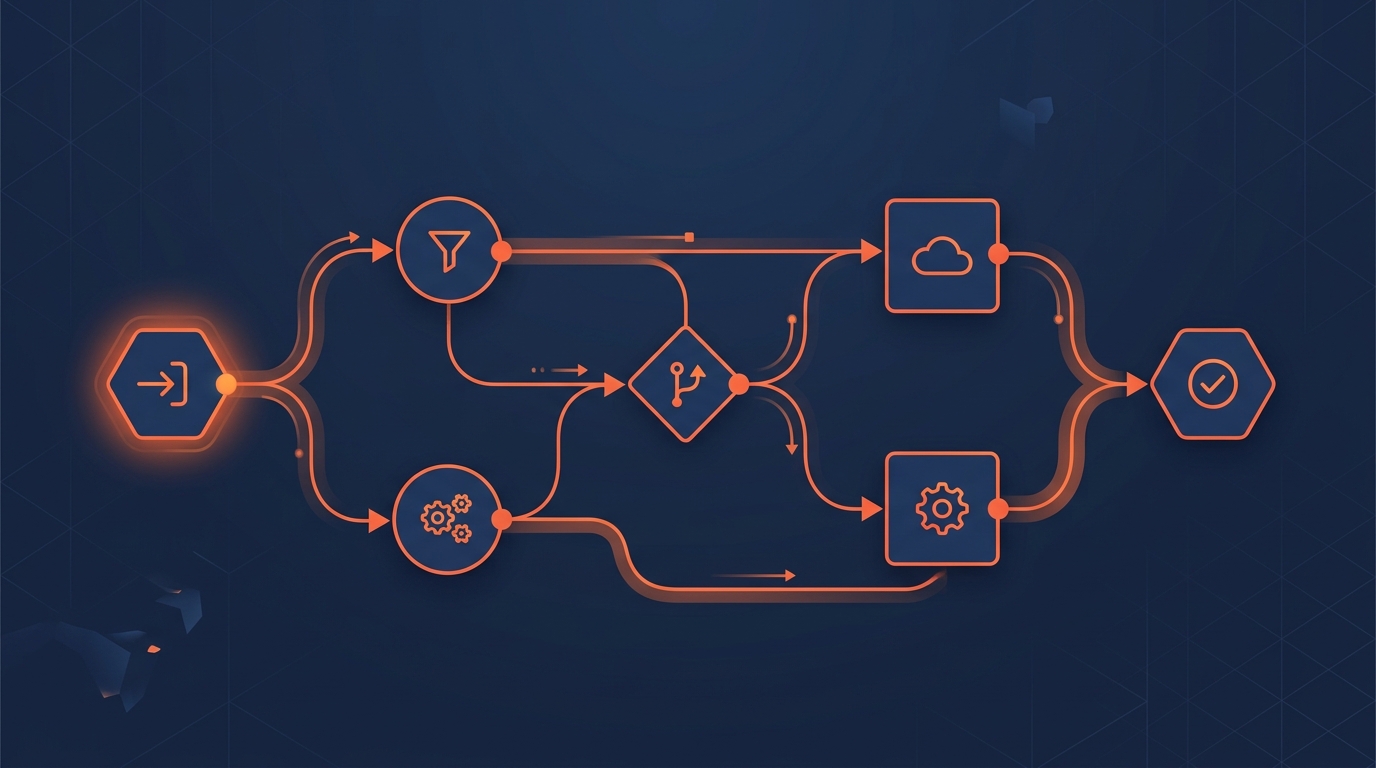
Copying data between three tools. Chasing a prospect forgotten in a spreadsheet. Sending the same report every Monday morning. These repetitive tasks absorb between 20 and 30% of a marketing or sales team's working hours, according to a 2023 McKinsey study. n8n offers a concrete alternative: an open-source, visual and self-hostable automation tool.
This guide presents n8n from an operational perspective. No unnecessary jargon, but real use cases, actual figures and a method to decide whether the tool fits your situation.
What n8n Is and Why It Deserves Attention
n8n (pronounced "n-eight-n," short for "nodemation") is a workflow automation platform created in 2019 by Jan Oberhauser. The principle: connect applications together through visual nodes, without writing code (or very little).
Three characteristics set n8n apart from proprietary alternatives:
- Open source: the code is public on GitHub, with over 48,000 stars. You can audit it, modify it, fork it.
- Self-hosted option: install on your own server (VPS, Docker, Kubernetes). Your data never passes through a third party.
- Fair-code licence: free for internal use when self-hosted. The licence only restricts resale.
The n8n community maintains over 400 native integrations: Google Sheets, Slack, HubSpot, Airtable, PostgreSQL, REST APIs, webhooks. For services not listed, a generic HTTP node connects to any documented API.
Concrete Use Cases for an SME
Automation is not reserved for large enterprise tech teams. Here are five scenarios a company of 5 to 50 employees can deploy within hours.
CRM and web form synchronisation. A prospect fills out a form on your WordPress site. n8n captures the data via webhook, creates a contact in HubSpot or Pipedrive, sends a confirmation email and notifies the sales rep on Slack. Setup time: 2 to 3 hours.
Automated marketing reporting. Every Monday at 8 a.m., n8n queries the Google Analytics 4 API, retrieves key metrics (sessions, conversions, sources), formats a summary and posts it to a Slack channel or sends it by email. No more copy-pasting from GA4 into a Google Slides deck.
Invoicing and payment reminders. When a quote is signed in your management tool, n8n generates the invoice in your accounting software, sends it to the client and schedules an automatic reminder at day 30 if payment has not been recorded.
Inbound lead qualification. A contact form triggers a workflow: enrichment via a data provider, scoring based on business criteria, then routing to the right sales rep based on sector or location.
Multi-channel content distribution. You publish a blog article. n8n detects the publication via RSS, generates a summary adapted to each platform (LinkedIn, X, Facebook), schedules the posts and archives the content in Notion.
n8n Cloud vs Self-Hosted: Side-by-Side Comparison
The choice between the two deployment modes depends on your technical resources and data governance requirements.
| Criterion | n8n Cloud | n8n Self-Hosted |
|---|---|---|
| Price | From 20 EUR/month (Starter) | Free (server cost ~5-15 EUR/month) |
| Setup | Instant, nothing to configure | Docker, VPS or Kubernetes required |
| Maintenance | Managed by n8n | Your responsibility (updates, backups) |
| Data | Hosted by n8n (EU cloud available) | On your infrastructure, full control |
| Execution limits | Plan-dependent (5,000 to 50,000/month) | No software-imposed limit |
| Support | Email + community | Community only |
| GDPR compliance | Compliant (DPA available) | You control everything |
For an SME without a system administrator, Cloud is the pragmatic choice. Self-hosted suits organisations with an in-house technical profile or strict regulatory constraints (healthcare, finance, Swiss data protection requirements).
The True Cost of an n8n Deployment
The listed price reflects only part of the total cost. Here is a realistic estimate for an SME of 10 people.
Cloud option (Starter at 20 EUR/month): adequate for 5 to 10 simple workflows. The Pro plan at 50 EUR/month unlocks parallel executions and testing environments. Annual budget: 240 to 600 EUR.
Self-hosted option: a VPS from providers like Hetzner or OVH costs between 5 and 15 EUR/month. Add 4 to 8 hours of initial configuration and 1 to 2 hours of monthly maintenance. If you hire a specialist for the installation, budget 500 to 1,500 EUR as a one-off expense.
The real cost: design time. Building a reliable workflow takes between 2 and 8 hours depending on complexity. A specialist consultant charges between 80 and 150 EUR per hour. For five workflows, the setup budget ranges from 1,000 to 6,000 EUR, an investment that pays for itself within a few months through time savings.
Learning Curve: What to Expect
n8n targets "tech-curious" profiles rather than developers. The visual drag-and-drop interface allows you to create a functional workflow in under an hour. Official documentation and community templates accelerate the onboarding process.
Areas that require a learning effort:
- JavaScript expressions: n8n uses expressions within nodes to transform data. Nothing complex, but you need to grasp the basics (variables, conditions, loops).
- Error handling: configuring error branches, retries and failure notifications demands rigour.
- Webhooks and API authentication: connecting a third-party API requires understanding HTTP headers, OAuth tokens and API keys.
An SME without a technical profile can get up to speed in 2 to 3 days via the free n8n Academy tutorials. The alternative: delegate workflow design to a firm specialising in AI consulting and automation and train the team on maintenance.
Why n8n Rather Than a Proprietary Tool
Make and Zapier dominate the no-code automation market. Their strength: instant onboarding and thousands of templates. Their limitation: dependence on a vendor that sets prices, quotas and terms of use.
n8n offers an alternative for businesses that want to maintain control. The source code is auditable. Data stays on your server if you choose self-hosted. No vendor lock-in: your workflows are exportable as JSON.
Trade-offs exist. n8n requires a higher initial investment than Make or Zapier. The interface is less polished. Some native integrations are missing (though the HTTP node covers most cases). For a detailed comparison of all three tools, see our dedicated article.
Integrating n8n Into a Broader Digital Strategy
Automation only delivers value when it fits within a coherent strategy. n8n reaches its full potential when it connects your acquisition, tracking and conversion tools.
A concrete example: you run Google Ads campaigns. Leads land on a form. n8n qualifies each lead, records it in your CRM, triggers an email sequence and sends conversion data back to GA4 via the Measurement Protocol. The sales rep receives a Slack notification with full context. This entire circuit, which used to take 45 minutes per lead manually, executes in under 10 seconds.
This approach embodies what we call agentic marketing: autonomous software agents executing complex tasks, supervised by a human who retains control over strategy.
Frequently Asked Questions
Is n8n really free?
The self-hosted version is free for internal use (fair-code licence). Cloud plans start at 20 EUR/month. Real costs include hosting (5-15 EUR/month for self-hosted) and workflow design time.
Do I need to know how to code to use n8n?
No. The visual interface allows you to create workflows without writing code. Some data transformations require basic JavaScript expressions. A marketing professional comfortable with Excel formulas can manage after 2-3 days of training.
Is n8n GDPR-compliant?
n8n Cloud offers EU hosting and a DPA (Data Processing Agreement). In self-hosted mode, you have full control over data location and processing, simplifying GDPR compliance and adherence to the Swiss FADP.
How many workflows can I create?
In self-hosted mode, there is no software limit. On Cloud, the Starter plan includes 5,000 executions per month. For most SMEs, that covers 10 to 15 active workflows comfortably.
Can I migrate from Make or Zapier to n8n?
Yes, but there is no automatic import. Workflows must be recreated in n8n. The underlying logic remains the same: trigger, actions, conditions. Budget 1 to 3 hours per workflow depending on complexity.