
Your WordPress site is three, four, maybe five years old. It still works. Pages load, the contact form sends emails, the SSL certificate is valid. Everything looks fine on the surface. Yet conversion rates have stagnated, organic traffic has been declining quarter after quarter, and every minor edit demands disproportionate effort.
A WordPress site redesign is a structural decision. Move too early and you waste budget that would have delivered more value elsewhere. Wait too long and you accumulate technical debt that drags down commercial performance. This article lays out objective criteria for making the call, then details the method for executing the transition without sacrificing your search rankings.
The Signals That Tell You a Redesign Is Overdue
A website does not break overnight. The degradation is gradual, and several measurable indicators help detect it before it impacts revenue.
The first signal is technical: Core Web Vitals. Google measures three performance metrics (LCP, INP, CLS) that influence search result rankings. If your PageSpeed Insights report shows scores below 50 on mobile, the problem runs deeper than surface-level optimisation. An ageing theme, page builders like Elementor or Divi in their pre-2022 versions, dozens of plugins stacked up over the years: these elements generate code bloat that superficial tweaks cannot fix. According to HTTP Archive, the median page weight increased by 35% between 2020 and 2025, reaching 2.4 MB. A site built five years ago without optimisation often drags beyond 4 MB per page.
The second signal concerns user experience. Your mobile bounce rate exceeds 65%. Visitors abandon the contact form before submitting it. The path from the homepage to a contact request requires four or more clicks. These friction points are often baked into the site architecture: modifying the navigation, page hierarchy, or conversion funnel effectively means rebuilding the structure itself.
Third signal: functional debt. Your business has evolved, but the site no longer reflects your current offering. You sell new services that have no dedicated pages. Your positioning has shifted, but the copy dates from the original version. Adding pages to an information architecture that was not designed to accommodate them creates navigation and internal linking inconsistencies that penalise organic search rankings.
A final indicator, often underestimated: maintainability. If every WordPress or plugin update breaks the layout, if the original developer left no documentation for custom modifications, if the theme is no longer maintained by its publisher, maintenance becomes a source of risk rather than a safety net.
What a Redesign Is Not
Redesigning does not mean starting from scratch. That shortcut is expensive and destroys value. A site that has been active for several years has accumulated capital: indexed and ranked pages on Google, backlinks earned from third-party sites, a history of data in Google Analytics, and content that continues generating traffic.
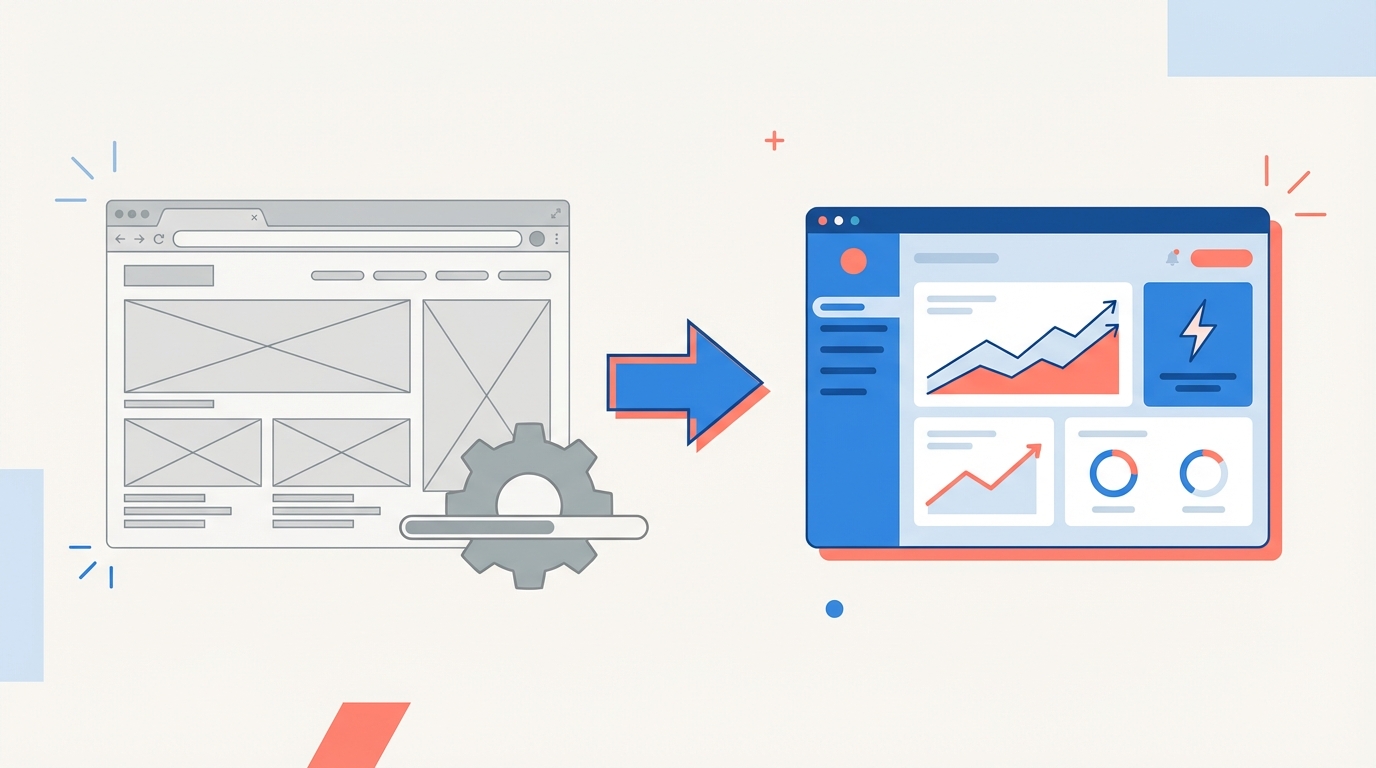
A redesign modernises the technical infrastructure and design while preserving that capital. You change the engine and the bodywork; you keep the address and the customer base. This distinction shapes the entire methodology.
It should not be confused with a simple visual refresh either. Changing colours, fonts, and images without touching the structure, performance, or code is like repainting the facade of a building whose foundations are sinking. The visual result looks fresh for a few months, but the underlying problems persist.
The Preliminary Audit: Map Before You Demolish
Every WordPress site redesign starts with an exhaustive audit of the existing site. This phase takes time, but it prevents irreversible mistakes.
The SEO audit inventories every indexed URL, its current rankings, its organic traffic over the past 12 months, and its backlink profile. Google Search Console and a tool like Screaming Frog provide these data points. The goal: identify the pages that carry your search visibility. On a 50-page site, it is common for 8 to 12 pages to concentrate 80% of organic traffic. These pages are protected: their URL stays the same, or a 301 redirect is planned.
The technical audit assesses code debt. How many active plugins? How many are still maintained? Does the theme use proprietary shortcodes that lock in content? Does the database contain revisions, orphaned options, or residual tables from uninstalled plugins? An average WordPress site accumulates between 15 and 30 plugins, half of which could be replaced by native code or lighter solutions.
The UX audit analyses behavioural data. AI accelerates this phase by cross-referencing GA4 data (bounce rate, session duration, exit pages) with navigation paths. The results highlight structural friction: a service page that drives visitors away, a form abandoned at 70%, a navigation menu that is too deep.
SEO Migration: The Primary Risk and How to Neutralise It
A poorly managed SEO migration can trigger a 30 to 60% drop in organic traffic in the weeks following launch. Ahrefs found that 49% of pages lose traffic after a migration, often because of missing redirects or unintended changes to the semantic structure.
The SEO migration plan is built in parallel with the new site, not afterwards. Here are the technical elements to address.
- URL-by-URL mapping: every old URL is matched to its new URL or marked "deleted with redirect to the most relevant parent page."
- 301 redirect file: it covers every indexed URL, including variants with and without trailing slashes, paginated URLs, and media URLs.
- Markup preservation: title tags, meta descriptions, heading structure, and structured data (schema.org) are carried over or improved, never deleted without replacement.
- Internal linking: the redesign is an opportunity to rethink links between pages. Every service page should point to its sub-pages; every blog post should link to the parent service page. This silo logic strengthens the thematic signal sent to Google.
- XML sitemap and indexation: the new sitemap is submitted in Search Console on launch day. Old URLs are monitored for 3 months to catch residual 404 errors.
Our website redesign service integrates this migration plan into every project. Preserving search rankings is not an option; it is a prerequisite.
Choosing the Technical Architecture for the New Site
The redesign is the moment to re-evaluate your technical choices. The theme, page builder, hosting, critical plugins: each component deserves a reasoned decision.
WordPress has evolved towards Full Site Editing (FSE) and the Gutenberg editor. This native approach replaces third-party builders with standardised, lightweight blocks that are compatible with future CMS updates. A site built with FSE loads less JavaScript, meets Core Web Vitals thresholds, and is easier to maintain over time.
Hosting plays a direct role in performance. Shared hosting at 3 euros per month is adequate for a personal blog. A professional site receiving 5,000 visitors per month that needs to load in under 2 seconds requires managed WordPress hosting (Kinsta, Cloudways, or equivalent). The monthly cost is higher, but server response time drops from 800 ms to under 200 ms.
The number of plugins must be rationalised. Each plugin adds database queries, front-end JavaScript, and an additional maintenance point. The rule: if a feature can be handled by native code or theme configuration, remove the plugin.
Typical Timeline for a WordPress Redesign
A WordPress redesign for a medium-sized site (20 to 40 pages) spans 8 to 12 weeks. Here are the phases.
The audit and scoping phase takes 2 weeks. It produces the technical audit, SEO audit, UX audit, and the specifications for the new site.
The design phase takes 2 to 3 weeks. It includes wireframes and graphic mockups, architecture validation, internal linking definition, and content writing or rewriting.
The development phase takes 3 to 4 weeks. The theme is built, plugins configured, the dataLayer for Google Tag Manager set up, forms created, and content integrated.
The testing and migration phase takes 1 to 2 weeks. Functional testing, redirect verification, performance checks, production deployment, and post-launch monitoring.
This timeline assumes the client delivers content (text, images, video) on schedule. That deliverable is the number one cause of delays on redesign projects.
The First 90 Days After Launch
Going live is not the finish line. The first three months after a redesign are a period of active surveillance.
Google progressively re-indexes the new pages and processes the redirects. Organic traffic often dips 10 to 20% during the first 2 to 4 weeks, even with a clean migration. This dip is normal: Google is re-evaluating the content and structure. Traffic returns to its previous level (or exceeds it) within 6 to 8 weeks if redirects are in place and content is preserved.
During this period, Search Console is checked daily. Crawl errors, non-indexed pages, keyword ranking drops: every anomaly is analysed and corrected. GA4 provides behavioural data on the new site: are conversion rates stable? Does the user journey match what was planned?
The redesign is also an opportunity to address tracking gaps. Deploying server-side tracking from launch day ensures reliable data, independent of ad blockers and compliant with GDPR.
How AI Contributes to a WordPress Redesign
Artificial intelligence is not a marketing gimmick bolted onto the redesign. It intervenes at several concrete stages of the process.
During the audit phase, AI analyses GA4 behavioural data to identify high-friction pages and underperforming conversion paths. A human analyst would need several days to cross-reference this data on a 50-page site. AI produces an actionable synthesis in a few hours.
During the content phase, AI assists with rewriting. Automated semantic clustering identifies the keywords to cover for each page, detects cannibalisation (two pages targeting the same keyword), and suggests a content structure optimised for SEO and visibility in generative search engines.
During development, UX mockups are enriched by predictive analysis of click and scroll zones. Simulated heatmaps allow you to anticipate visitor behaviour before launch.
After launch, AI monitors performance metrics and triggers alerts if an indicator degrades. A load time that increases by 300 ms after an update is detected within the hour, not at the next monthly report.
Frequently Asked Questions
What budget should you plan for a WordPress redesign?
The budget varies with the site's complexity. A full redesign of a brochure site with 15 to 25 pages, including audit, design, development, SEO migration, and content, ranges between 3,000 and 8,000 euros. An e-commerce site or a site with custom functionality exceeds that range. The budget should also include post-launch maintenance.
Can you redesign a WordPress site in stages?
Yes, and it is sometimes the smartest strategy. You can start with the technical migration (new theme, new hosting) without modifying content or URLs, then work on design and UX in a second phase. This approach reduces SEO risk and spreads the investment.
How long does a redesign take?
Allow 8 to 12 weeks for a site of 20 to 40 pages, from the initial audit to launch. E-commerce projects or sites with large content volumes (over 100 pages) require 12 to 16 weeks. The limiting factor is often the client's delivery of content.
Should you switch CMS during a redesign?
Not necessarily. If your site runs on WordPress and your needs remain compatible with the WordPress ecosystem, staying on the CMS avoids the costs and risks of a cross-platform migration. Our WordPress vs CMS comparison helps settle the question if it arises.
How do you avoid losing rankings after a redesign?
The key is the SEO migration plan: URL mapping, exhaustive 301 redirects, semantic markup preservation, and active monitoring for 90 days. Every page that generates traffic or backlinks must be redirected to its exact equivalent on the new site. A full SEO audit before the redesign identifies these critical pages.