
A tradesperson who launches a Google Ads campaign without method throws money away. The average CPC in the home services sector exceeds $6 in most English-speaking markets (Google Keyword Planner data, 2025). Each wasted click hits profitability directly. Yet Google Ads remains the fastest acquisition channel for generating qualified quote requests. The question is not whether the platform works for tradespeople. It does. The question is how to structure campaigns that convert clicks into phone calls and completed forms.
According to WordStream (2024), the average conversion rate on the Search network sits around 4.4%. Well-structured accounts in the home services sector reach 8 to 12%. This gap has nothing to do with luck or budget: it comes down to method.
Why Google Ads Suits Tradespeople
Google Ads captures intent at the precise moment it is expressed. When a homeowner types "emergency plumber near me" or "electrician quote [city name]", they are looking for a provider now. Not in three months. This immediacy distinguishes Google Ads from every other advertising channel.
For a tradesperson, this intent-based logic is a structural advantage. The prospect is not browsing out of curiosity. They have a leak, a tripping circuit breaker, or a jammed lock. Their need is concrete and localised. Search advertising answers this demand without having to create the need, unlike social media ads where you must first capture the attention of someone who is not looking for anything.
Precise geographic targeting reinforces relevance further. A plumber can limit ad distribution to a 15-mile radius around their workshop. Every pound or dollar spent reaches a prospect located within their actual service area.
Complete measurability rounds out the picture. Every call, every form submission, every click is traceable. A tradesperson knows exactly how much a prospect costs and how many prospects turn into jobs. This transparency is sorely missing from traditional channels (directories, flyers, word of mouth).
Structuring Campaigns by Service Type
The most widespread error is grouping all services into a single campaign. An electrician who mixes "electrical panel installation", "emergency electrical repair", and "electrical rewiring" in the same ad group dilutes message relevance and wastes budget.
The recommended structure relies on one campaign per major service category, subdivided into ad groups by specific service type.
For a plumber, this produces three distinct campaigns. The first covers emergency repair (water leak, blocked drain, boiler breakdown). The second handles new installations (bathroom, water heater, water softener). The third targets renovation (re-piping, bathroom refurbishment).
Each campaign gets its own daily budget. Emergency repair, which generates the hottest prospects, receives the largest share. Installation and renovation, with longer decision cycles, operate on more modest budgets but with broader keyword targeting.
This granularity allows writing ads that mirror the prospect's exact query. When someone searches "water leak plumber [city]", they see an ad about water leaks, not a generic plumbing ad. Click-through rates and conversion rates benefit directly.
Choosing the Right Keywords and Match Types
Keyword selection determines who sees your ads. For a tradesperson, the logic is local and intent-driven. Three keyword categories structure the account.
Emergency keywords generate the most qualified prospects: "emergency plumber + city", "electrician repair + city", "locksmith door unlock + city". The CPC is often high ($5 to $15), but the conversion rate more than compensates. A prospect in an emergency does not compare three quotes: they call the first credible result.
Quote keywords attract prospects in the consideration phase: "plumbing quote + city", "electrical installation cost", "bathroom renovation price". The CPC is moderate ($2 to $6) and search volume is greater. These queries feed a steady flow of requests, even if the conversion cycle is longer.
Negative keywords protect your budget. Systematically add "free", "job", "recruitment", "training", "internship", "salary", and "reviews" to your negative keyword list. Without this filter, a significant share of your clicks comes from people who are not looking for your services.
For match types, favour phrase match for your main keywords. Broad match, even with negative keywords, generates too many irrelevant queries on limited-budget accounts. Exact match works well for high-value emergency searches.
Writing Ads That Trigger Action
A Google Ads ad for a tradesperson must answer three questions in seconds: what do you do, where do you work, and why should I call you now?
Headline 1 mirrors the prospect's need. "Water Leak? Plumber in [City]" works because it reflects the search intent. Headline 2 provides a differentiating element: "Response Within 1 Hour", "Free Quote", "Established Since 2010". Headline 3 can mention the business name or an additional benefit.
Descriptions fill in with reassurance elements. Service area, certifications, response time, indicative price range. Each word must serve to convince, not to fill space.
Ad extensions multiply the visible surface area and click-through rate. Four extensions are essential for tradespeople.
- Call extension: a clickable phone number, especially on mobile (over 70% of local searches happen on smartphones according to Think with Google, 2024)
- Location extensions: address display, useful for building proximity trust
- Callout extensions: "Free Quote", "Certified", "Available 7 Days"
- Sitelink extensions: specific pages (emergency repairs, installations, rates, service area)
A Google Ads account using all four extensions displays a noticeably more visible ad than a competitor relying on default headlines and descriptions alone.
Designing a Landing Page That Converts
The ad attracts the click. The landing page transforms that click into a quote request. Directing traffic to your homepage is a common error that tanks conversion rates.
A tradesperson's landing page follows a proven structure. At the top: the headline that echoes the ad's promise, a clickable phone number, and a short form (name, phone number, description of the issue, area). No navigation menu to divert attention. The visitor must understand within three seconds what you offer and how to contact you.
The body of the page reassures with proof elements. Photos of completed work. Customer reviews (Google, Trustpilot). Certifications and trade accreditations. Service area as a map or list of towns served. These elements answer the prospect's implicit question: "Can I trust this tradesperson?"
Loading speed plays a direct role in conversions. A page that takes over three seconds to display loses 53% of its mobile visitors (Google, 2023). Test your landing page with PageSpeed Insights and aim for a mobile score above 80.
Each campaign deserves its own landing page. The prospect searching for an emergency repair sees a page centred on speed of response. The one requesting a renovation quote sees a page with project examples and an indicative price grid. This consistency between query, ad, and landing page is called "message match" and constitutes the most underestimated conversion factor.
Setting a Realistic and Profitable Budget
The budget question comes up every time. The answer depends on three variables: your sector's average CPC, the number of prospects you need per month, and your conversion rate.
For a tradesperson starting on Google Ads, a budget of $600 to $1,200 per month allows testing profitability on priority queries. Below $400 per month, the data volume is insufficient for campaign optimisation. Above $1,500, you need enough capacity to handle the leads generated, otherwise they go to waste.
The profitability calculation is concrete. If your average CPC is $6, a $1,000 budget generates roughly 166 clicks. With an 8% conversion rate, that represents 13 quote requests. If you convert 40% of quotes into jobs, you get 5 projects. With an average job value of $800, the revenue reaches $4,000 for $1,000 invested. Return on investment is measurable month after month.
Adjust the budget progressively. Start with emergency and repair campaigns, which offer the lowest CPA (cost per acquisition). Add installation and renovation campaigns once the first is profitable. This gradual scale-up limits financial risk.
Tracking Conversions to Drive Profitability
Without conversion tracking, you are flying blind. A tradesperson investing $800 per month in Google Ads without knowing how many quote requests come from their campaigns takes an unnecessary risk.
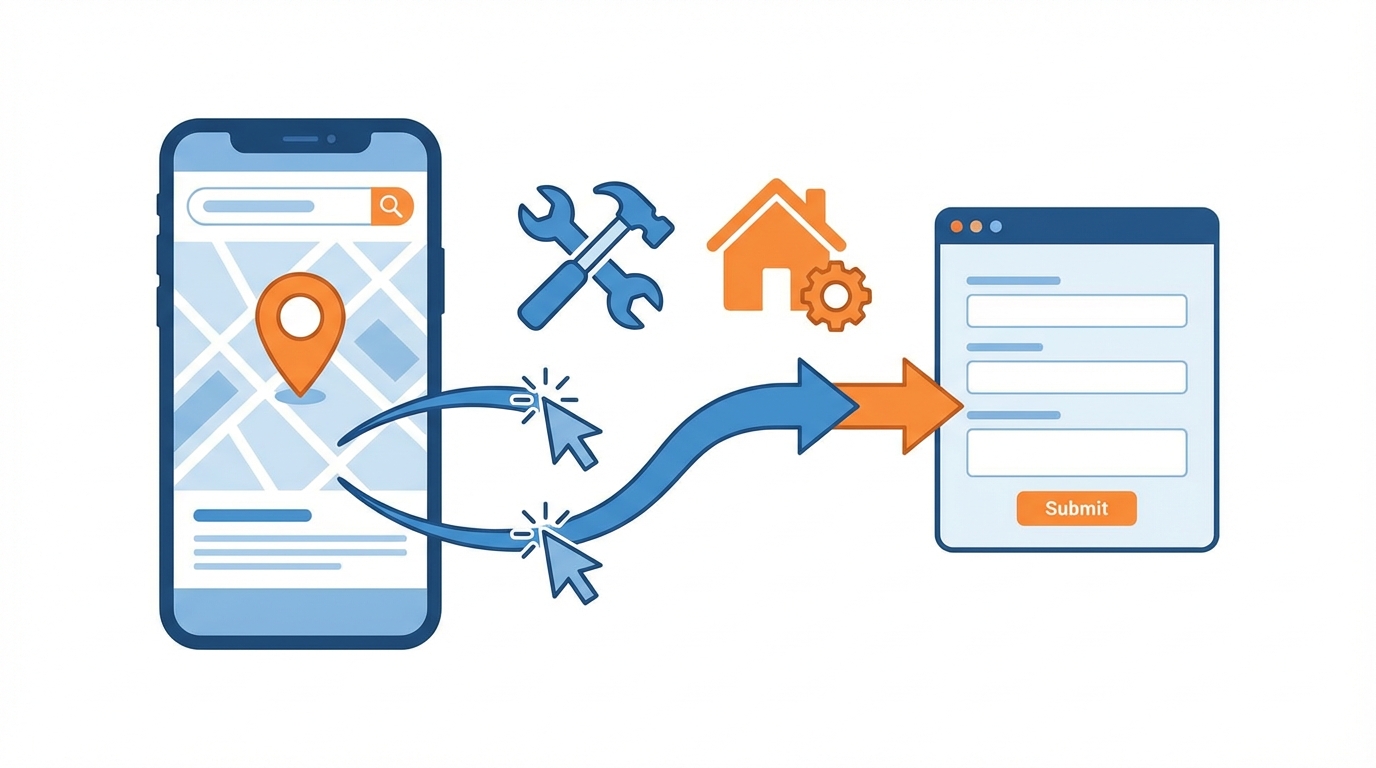
Two conversion types need setting up. Phone calls, measured via Google Ads call tracking (a forwarding number displays on the ad and landing page). Form submissions, measured via a conversion tag on the confirmation page.
Setting up this tracking involves Google Tag Manager and Google Analytics 4. Each phone call exceeding 60 seconds and each submitted form feeds back as a conversion in the Google Ads dashboard. This data reveals which keywords, ads, and times of day generate prospects, and which do not.
Search term analysis deserves weekly attention. Google Ads displays the exact queries users typed before clicking your ads. You will find relevant queries to add as keywords, and parasitic queries to exclude. This regular cleanup concentrates your budget on searches that matter.
An AI chatbot installed on your site can complement the setup by automatically qualifying visitors arriving through Google Ads. The chatbot collects prospect information (type of service needed, location, urgency) and delivers a structured brief. This reduces processing time and increases the job conversion rate.
Mistakes That Sink Tradespeople's Campaigns
Certain errors appear on the majority of Google Ads accounts for tradespeople that we audit.
The first is geographic targeting set too wide. A tradesperson based in one city who targets an entire region pays for clicks from prospects located hours away, whom they can never serve. Restrict the radius to your actual service area, town by town if needed.
The second concerns automated bidding enabled too early. Google's smart bidding strategies (Maximise Conversions, Target CPA) require a history of at least 30 conversions per month to function properly. On a new account, manual bidding or the "Maximise Clicks" strategy with a CPC cap provides superior control.
Third: ignoring the ad schedule. A tradesperson who does not work Sundays has no reason to run ads that day, unless they offer a 7-day emergency service. Set diffusion hours to concentrate budget on time slots when you can answer calls and process requests.
The fourth is failing to test ads. Google Ads allows rotating multiple ad variants within each ad group. Write at least three versions with different hooks (price, speed, expertise) and let the data decide which performs. Analyse results after a minimum of 200 impressions per variant.
Frequently Asked Questions
What is the minimum budget for Google Ads as a tradesperson?
Count on a minimum of $500 per month to obtain a workable data volume. This budget covers roughly 80 to 120 clicks in the trades sector. Below this, campaigns lack enough data to identify what works and what needs adjustment.
Does Google Ads work for a tradesperson just starting out with no reviews?
Yes, but conversion rates will be lower than for an established business with reviews. Compensate by highlighting your certifications, years of trade experience, and photos of completed work. Actively ask your first customers to leave a Google review once the job is finished.
Should I manage my campaigns myself or hire a specialist?
A tradesperson who devotes one hour per week to their campaigns can achieve decent results with a simple structure. Beyond $1,000 in monthly budget or with multiple service types to promote, a specialist optimises return on investment and frees up time for the core trade.
How long before the first calls come in?
The first clicks arrive within 24 hours of launch. The first calls or form submissions typically follow within 48 to 72 hours, provided the landing page is properly designed and targeting is relevant. The optimisation phase then runs for two to four weeks.
Is Google Ads profitable for a sole trader?
Yes, provided targeting is precise for your area and services. A sole trader has limited capacity. A modest budget with tight targeting that generates 5 to 10 qualified requests per month beats a large budget that floods you with prospects you cannot serve.