

Automating repetitive tasks between your tools (CRM, website, email, invoicing, social media) is no longer a luxury reserved for companies with dedicated technical teams. Two platforms dominate this market: Zapier, founded in 2011, and Make (formerly Integromat), launched in 2012. According to Gartner (2024), the no-code automation market is growing at 25% annually, driven by SMEs looking to save time without hiring developers.
This Make vs Zapier comparison details the concrete differences between both tools: operating logic, pricing, integrations, use cases, and limitations. The goal is not to declare a universal winner, but to help you choose based on your actual situation.
Philosophy and Approach: Two Visions of Automation
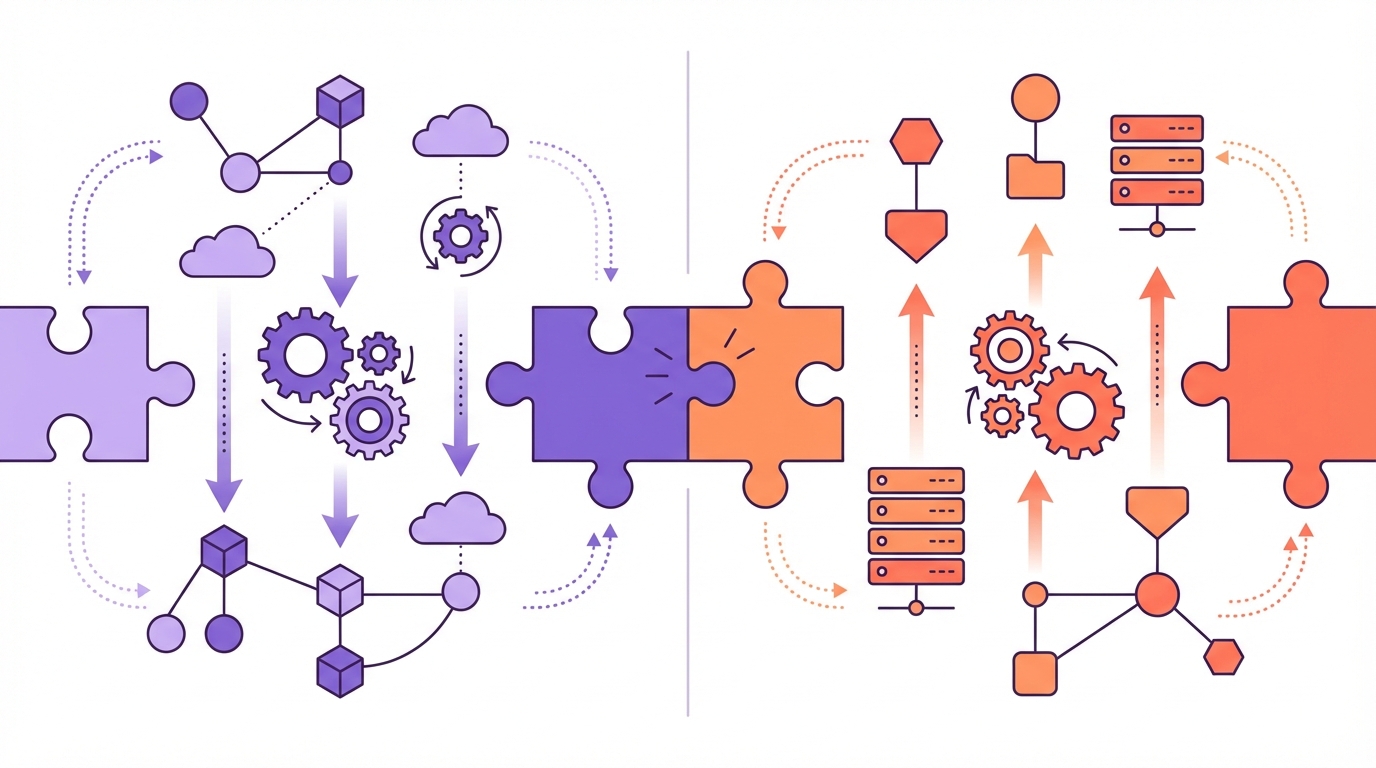
Zapier and Make share a common objective (connecting applications to each other) but differ fundamentally in their approach.
Zapier operates on linear logic. A trigger activates a sequence of actions that execute one after another. Form filled, then email sent, then row added in a spreadsheet, then Slack notification. This linearity makes Zapier intuitive for beginners: the reasoning is sequential, like following a recipe.
Make takes a visual, modular approach. The interface presents a canvas on which you place modules (each representing an action) and connect them. This graphical representation allows branching, loops, and parallel processing. A single trigger can feed three different branches based on a condition.
For an SME, this difference matters. If your automations remain simple (one trigger, two or three sequential actions), Zapier suffices and onboarding will be faster. If your processes involve conditions, edge cases, or intermediate data transformations, Make offers flexibility that Zapier struggles to match without workarounds.
An example illustrates this gap well. Imagine a scenario: a contact form arrives. If the prospect is in the US, an English email goes out and the contact joins the US CRM. If the prospect is in Canada, a French email goes out and the contact joins the Canadian CRM. This conditional branching takes two minutes on Make using a router. On Zapier, it requires either two separate Zaps or the Paths feature, which is less visual and more rigid.
Pricing: What You Actually Pay
The pricing grid is often the first selection criterion. Both platforms use different models, which complicates direct comparison.
Zapier charges per "task." Each action executed in a Zap consumes one task. A Zap that sends an email then creates a spreadsheet row consumes two tasks per execution. The free plan offers 100 tasks per month with single-step Zaps only. The Starter plan begins at $19.99 per month for 750 tasks. The Professional plan ($49.99/month) unlocks conditional paths and 2,000 tasks.
Make charges per "operation." Each executed module consumes one operation. The free plan offers 1,000 operations per month, which is ten times more generous than Zapier's entry level. The Core plan starts at $9 per month for 10,000 operations. The Pro plan ($16/month) adds advanced features and 10,000 operations.
The cost difference is significant for SMEs with moderate volume. A business running 500 automations per month (say, 500 forms processed with three actions each, totalling 1,500 operations) pays $49.99 on Zapier (Professional plan required) versus $9 on Make (Core plan). The ratio is roughly five to one.
This disparity partly reflects different business models. Zapier, based in San Francisco, primarily targets the American market and businesses willing to pay for simplicity. Make, founded in Prague, positions itself on an aggressive features-to-price ratio.
One hidden cost deserves attention: configuration time. While Make is cheaper to operate, its learning curve is steeper. An extra hour of configuration per week, valued at a marketing manager's hourly rate, can erase the subscription savings.
Integrations and Available Connectors
The number of connected applications determines whether the tool adapts to your existing tech stack.
Zapier claims over 7,000 integrations. Nearly every known SaaS tool has a native Zapier connector. This coverage is its primary asset. If you use a niche CRM or a specialised business tool, Zapier probably has a ready-made connector.
Make offers approximately 2,000 native integrations. Fewer than Zapier in volume, but the connectors cover the most widely used tools (Google Workspace, HubSpot, Salesforce, Shopify, WordPress, Slack, Notion, Airtable, Meta, LinkedIn). For uncovered tools, Make provides a universal HTTP module that connects to any REST API, a technical capability Zapier also offers but with a less flexible interface.
For an SME using standard tools (Google, a common CRM, an email marketing tool, a WordPress site), both platforms cover the requirements. The differential shows on niche tools. Check the availability of your critical applications on both platforms before choosing.
One specific point deserves attention: AI integration. Both platforms incorporated AI modules throughout 2024. Zapier offers native ChatGPT actions within its Zaps. Make provides OpenAI and Claude modules with more configurable parameters (temperature, tokens, model selection). For an SME integrating AI into its marketing processes, this granularity can tip the scale.
Concrete Use Cases for SMEs
Comparing features in the abstract has its limits. Here are four common scenarios with the recommended platform for each.
Scenario 1: New lead notification. A prospect fills out a form on your WordPress site. The information lands in your CRM and a Slack notification goes out. Two simple, sequential actions. Zapier and Make handle this identically. No reason to prefer one over the other here.
Scenario 2: Conditional request routing. A contact form collects requests of varying types (quote, support, partnership). Based on the type, the message must be routed to a different person, with a tailored confirmation email. Make handles this scenario with a router and three parallel branches, all visible on a single canvas. Zapier requires either a Zap with Paths (limited to five branches) or multiple separate Zaps. Advantage Make.
Scenario 3: CRM-email synchronisation. When a contact moves to "customer" status in your CRM, they are automatically added to a specific mailing list and removed from the "prospects" list. Simple, linear action. Both tools handle it without difficulty. Zapier offers a slightly smoother experience here thanks to its extensive native connectors.
Scenario 4: Automated weekly reporting. Every Monday, a scenario aggregates data from Google Analytics, Google Ads, and your CRM, then generates a summary sent by email to the business owner. This scenario involves multiple API calls, data aggregation, and formatting. Make excels on this type of complex processing thanks to its built-in data manipulation functions (JSON, arrays, iterations).
Reliability, Support, and Community
The reliability of an automation platform is measured daily. A scenario that fails silently can create cascading problems (unprocessed leads, unsent emails, missing data).
Zapier displays an uptime history above 99.9% over the past twelve months. Errors are notified by email with a clear diagnosis. Customer support is responsive, with live chat available on paid plans.
Make shows comparable availability. Its error management system is more detailed: each module displays its execution status, incoming and outgoing data, and the precise error message when something goes wrong. For debugging, Make surpasses Zapier.
On the community front, Zapier benefits from its established reputation: thousands of tutorials, YouTube videos, and ready-made templates. Make is closing the gap with an active community forum and quality technical documentation, but the volume of resources remains lower.
For an SME without in-house technical expertise, the availability of tutorials and templates is a practical factor worth considering. A problem at 6pm on a Friday resolves more easily with a YouTube tutorial than with a support ticket.
The Role of a Consultant in Choosing and Configuring
The choice between Make and Zapier depends on factors that only a process audit can reveal. Which tools do you use? What data flows circulate between them? Which manual processes consume time without creating value?
An AI integration consultant identifies high-value automations, selects the appropriate platform, and configures the initial scenarios. The consulting investment prevents selection errors (migrating from one platform to another after six months costs time and frustration) and accelerates time to production.
The benefit also shows in maintenance. A well-designed scenario from the start requires fewer interventions than a cobbled-together setup. The technical debt of poorly architected automations is paid in wasted hours every month, in scenarios breaking after an API update, and in inconsistent data.
For SMEs that prefer autonomy, both platforms offer free training (Zapier University, Make Academy). Budget 10 to 20 hours of learning to master the basics and build scenarios of moderate complexity.
Summary: Make vs Zapier at a Glance
To synthesise this comparison, here are the key criteria.
On ease of use, Zapier wins. Its linear interface is understandable in 30 minutes. Make requires one to two hours to absorb the visual canvas logic.
On value for money, Make dominates clearly. At equivalent functionality, the monthly cost is three to five times lower. Make's free plan (1,000 operations) allows serious testing before committing.
On technical flexibility, Make offers greater possibilities: conditional branches, loops, data manipulation, advanced HTTP modules. Zapier compensates with its larger integration catalogue.
On support and community, Zapier benefits from its historical position. More tutorials, more templates, more forum answers. Make is progressing rapidly but the gap remains visible in 2026.
On AI integration, both platforms are neck and neck. Make provides finer granularity in AI module configuration. Zapier delivers a more integrated experience with fewer parameters to adjust.
Frequently Asked Questions
Can you easily migrate from Zapier to Make (or vice versa)?
No automatic migration tool exists between the two platforms. Each scenario must be recreated manually. For an SME with 5 to 10 automations, expect one to two days of work. This constraint argues for a considered initial choice, ideally after testing both tools on their free plans for two weeks.
Which tool should I choose if I have no technical skills?
Zapier. Its linear logic, simplified interface, and abundant tutorials make it the most accessible option. You can create your first automations in under an hour. If your needs grow more complex later, Make remains a migration option.
Are Make and Zapier GDPR compliant?
Both platforms host data in Europe (Make in the Czech Republic; Zapier offers EU hosting on Business plans). Both declare GDPR compliance. For businesses operating across regulatory jurisdictions, verify compatibility with local data protection laws. Data flowing through these platforms must be declared in your processing register.
How many automations does a typical SME use?
According to Make's data (2024), SMEs with fewer than 50 employees use an average of 8 active scenarios, consuming between 2,000 and 8,000 operations per month. The most frequent use cases: CRM-email synchronisation, lead notifications, automated reporting, and social media publishing.